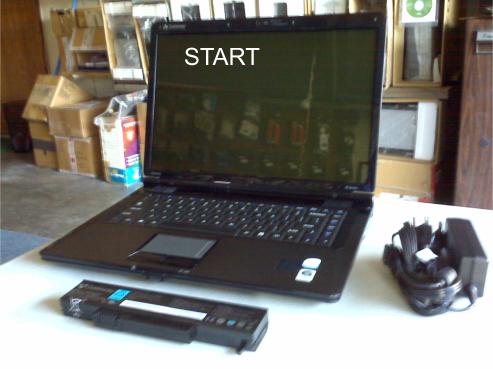
We have all heard of a sob story involving someone dropping their laptop or tripping over the power cord causing the laptop to flip off a table, a bench, or a bed. Well, believe it or not, these stories are so common that I was able to add this entry “Repairing Cracks on a Laptop” to our blog. The “No electricity involved” in the title simply means no electrical component or wiring was severed on these laptops. I want to make it perfectly clear It took several months to finish this entry because I had to actually wait for customer’s with cracked laptops and notebooks (I wanted real scenarios) to complete this task.
Tools needed for this task include:
1. Common sense (You will understand later why this is the first tool).
2. Putty knife, razor or small knife.
3. Small cross-tip screwdriver (Phillips), for disassembly.
4. Product Name: PC METAL
Description: Hand Moldable Multi-Purpose Epoxy Putty Stick
(This product is used for auto and plumbing repairs. Hopefully, I just narrowed it down to the type of stores that sell this product. Also, I do not do free advertisements, therefore, from this point on I will reference this product as “putty”).
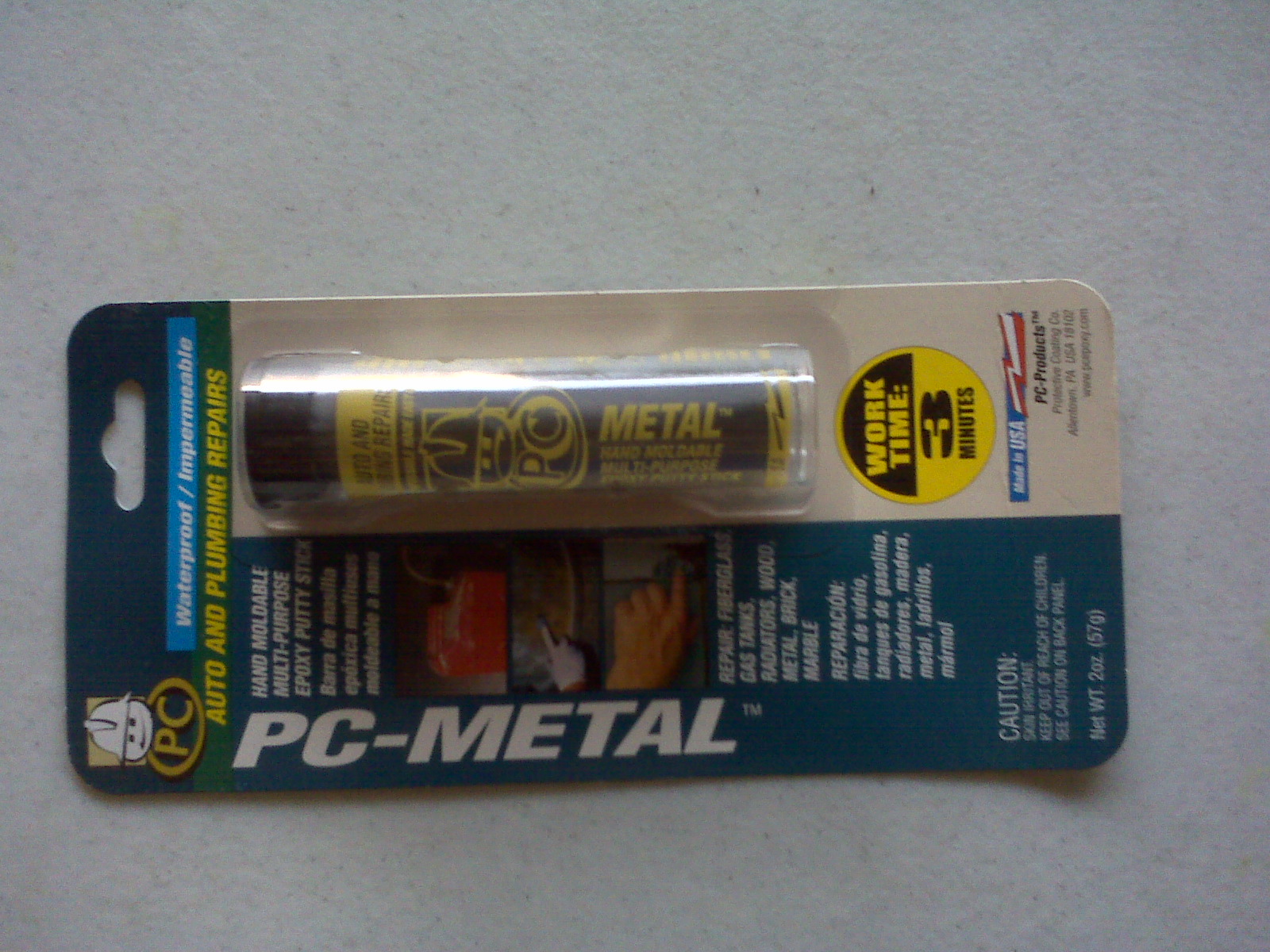
PC Metal - Hand Moldable Multi-Purpose Epoxy Putty Stick
1st Scenario: A local customer was walking down a flight of stairs with their laptop in one hand and the power cord in the other hand while it was still connected to the laptop. The dangling power cord was stepped on causing the laptop to be snatched; it hit the stairway landing on the closed lid cover side and cracked at the lower right corner. The laptop cover cracked pretty good, but no internal damage.
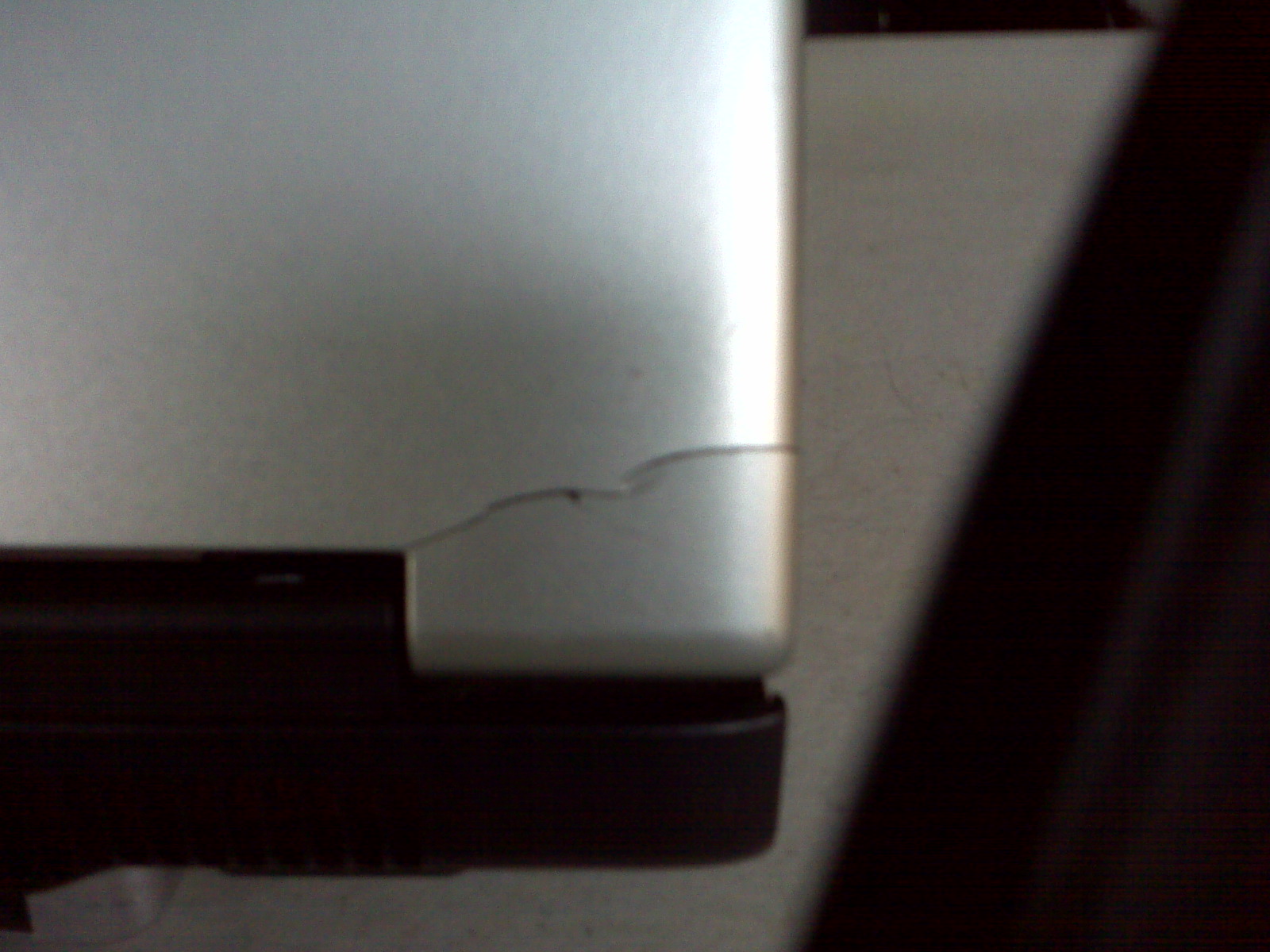
Crack on Laptop Cover
A quick solution: Open the putty product and cut off a small piece.
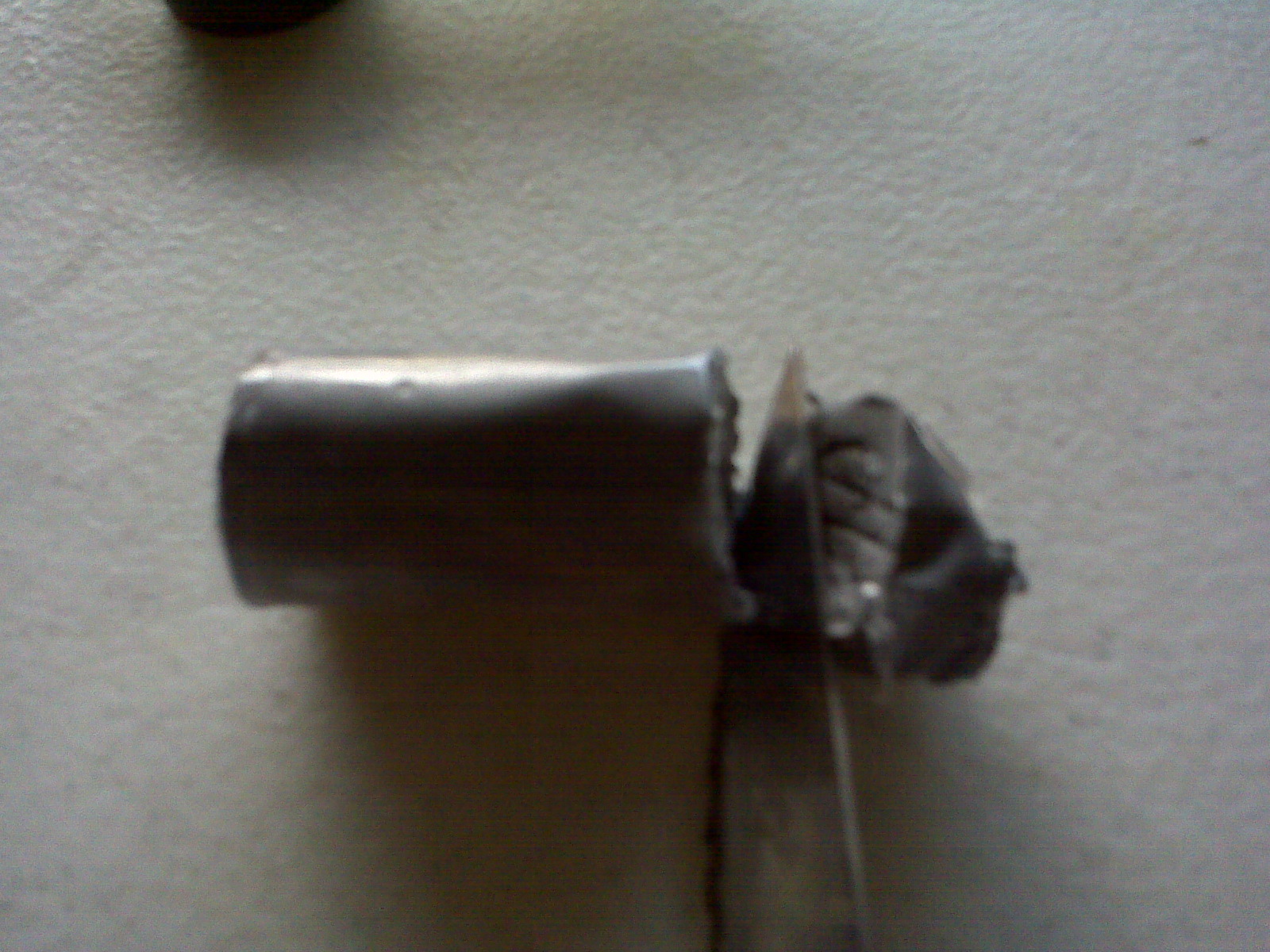
Cut a slice of putty
Roll the putty into a ball to mix the inner and outer compounds together.
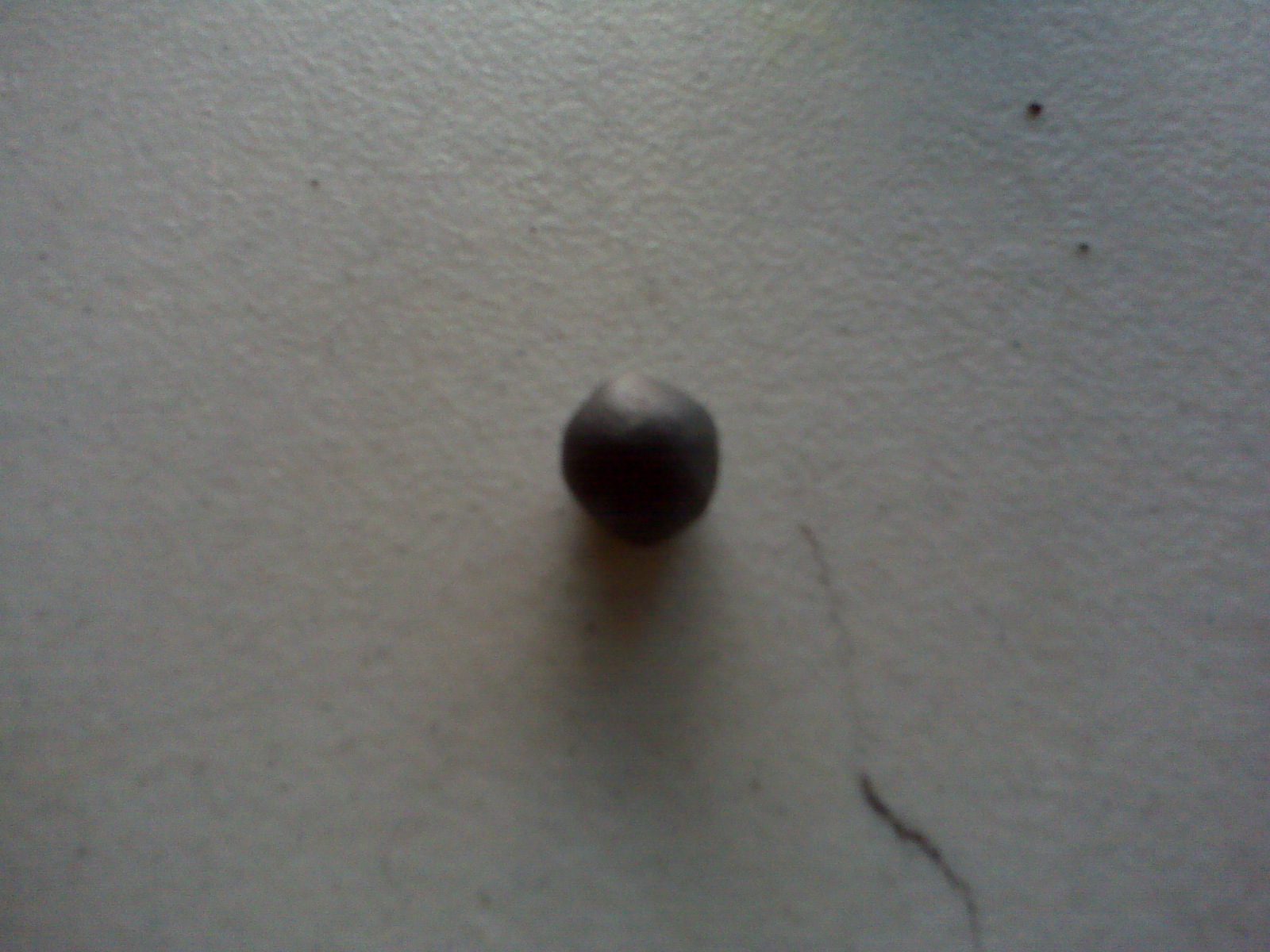
Roll Putty
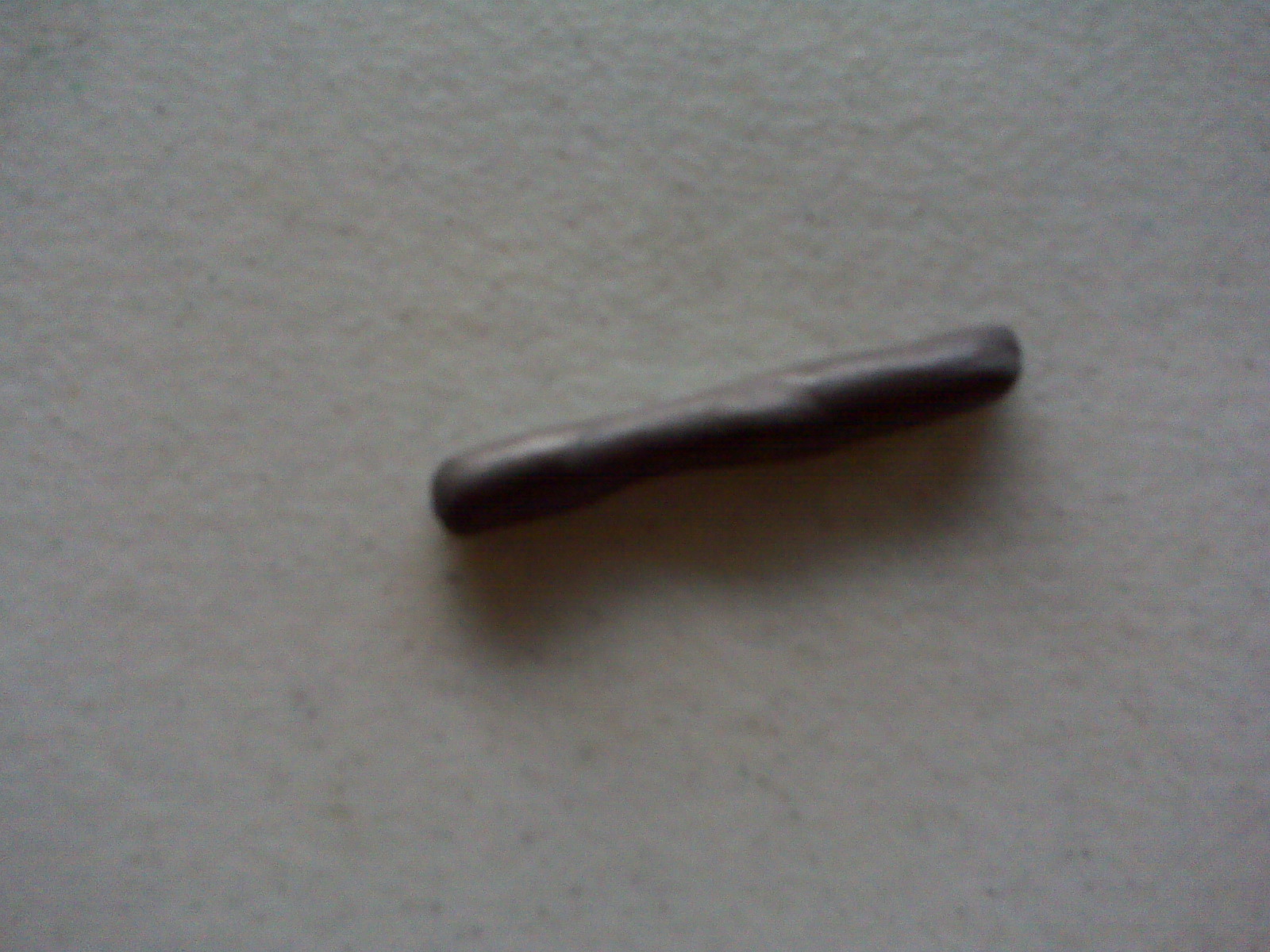
Mix Putty
Spread the putty over the crack then use your fingers to spread it evenly until the crack is covered. Use your putty knife to cut off any extra putty you do not need. A quick fix for a small crack (This task is complete).
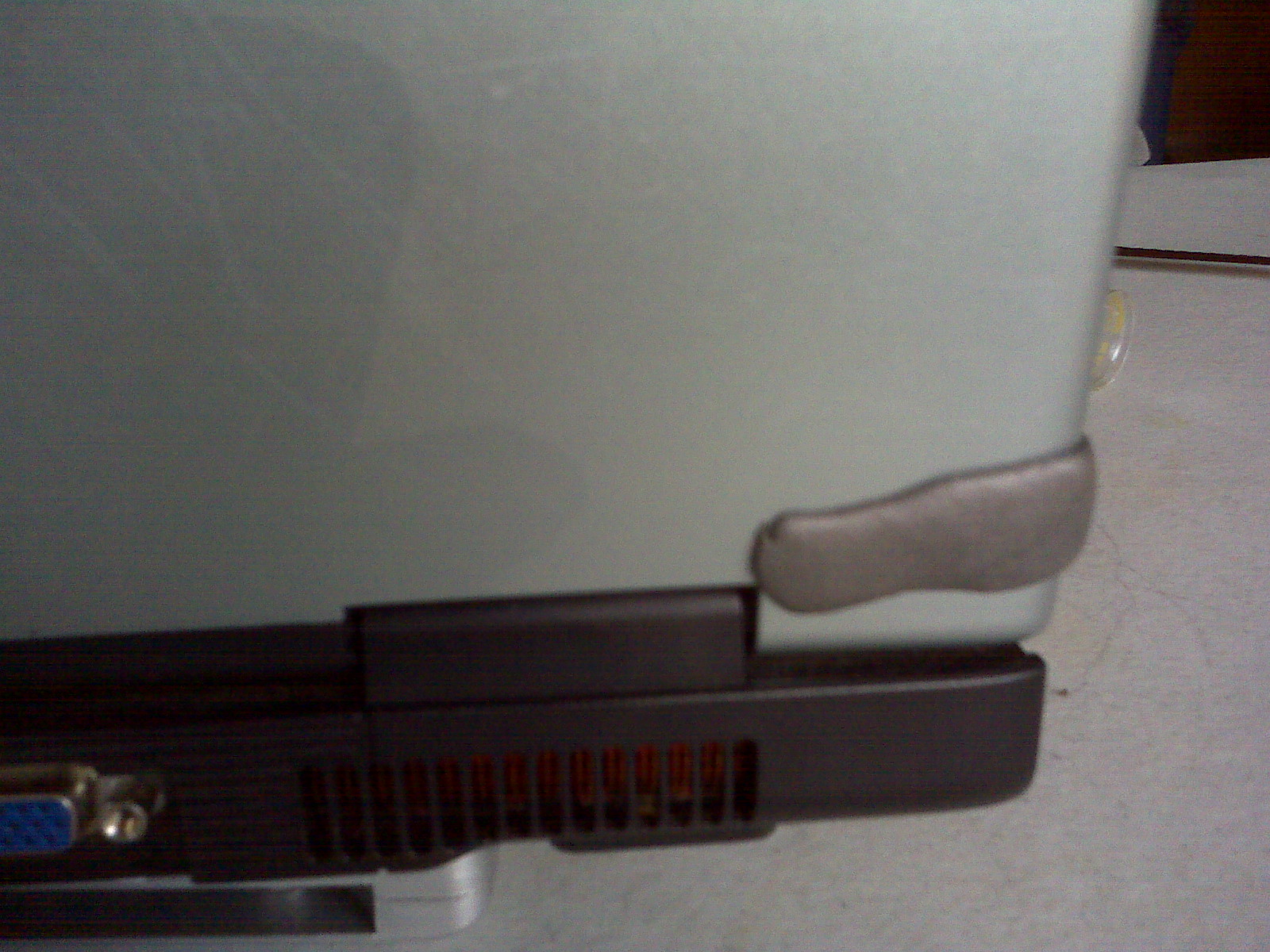
Spread Putty
2nd Scenario: 3 different people, 3 different laptops, and the same scenario: Someone tripped over the power cord while these customers were using their laptop.
Laptop #1: power jack disappeared inside the base of the laptop (Still connected, but not visible).
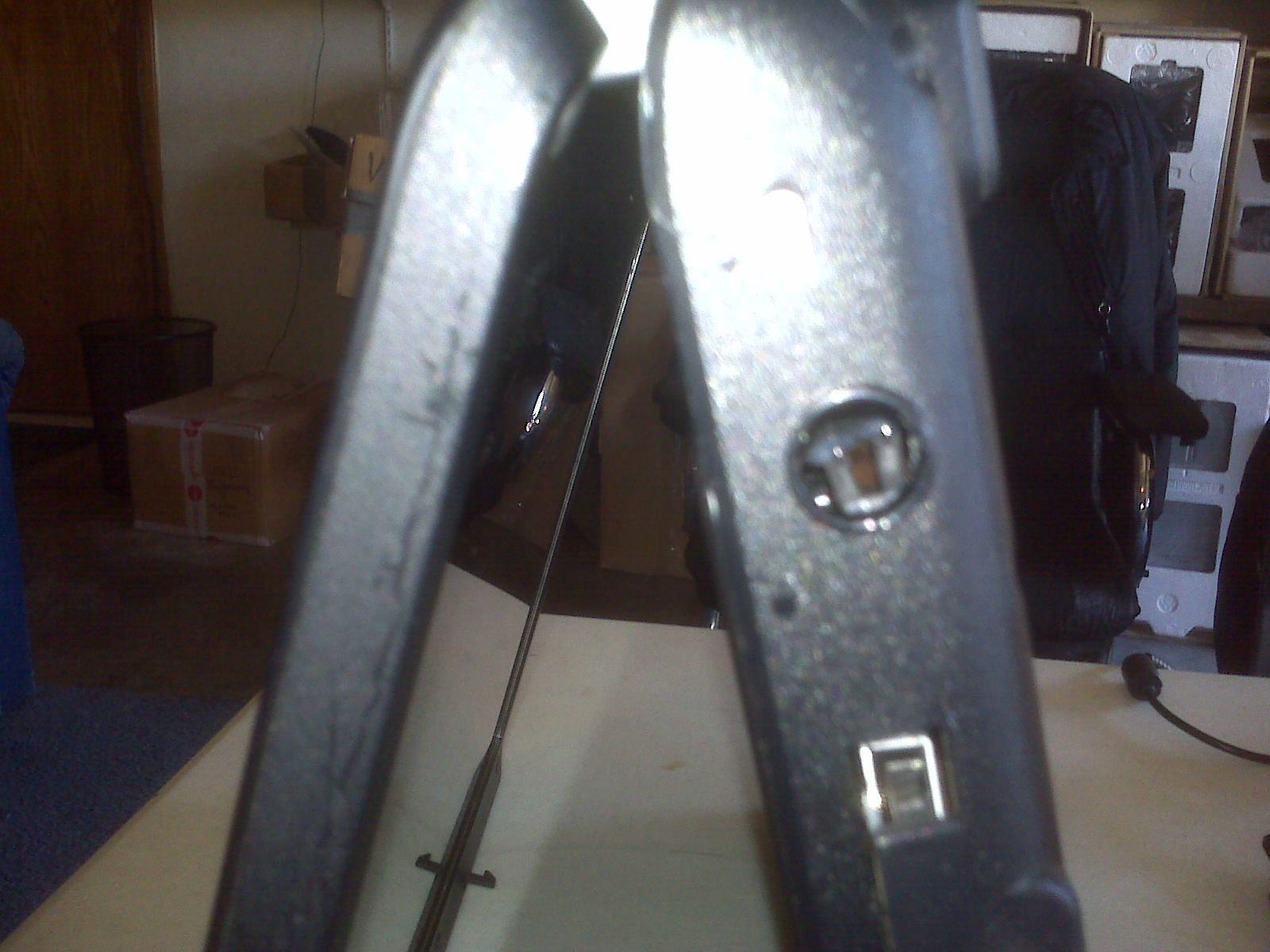
Power Jack Disappeared inside the base of the laptop
Laptop #2: power jack is dangling off the side hinge (Still connected, but customer is unable to completely close the cover).
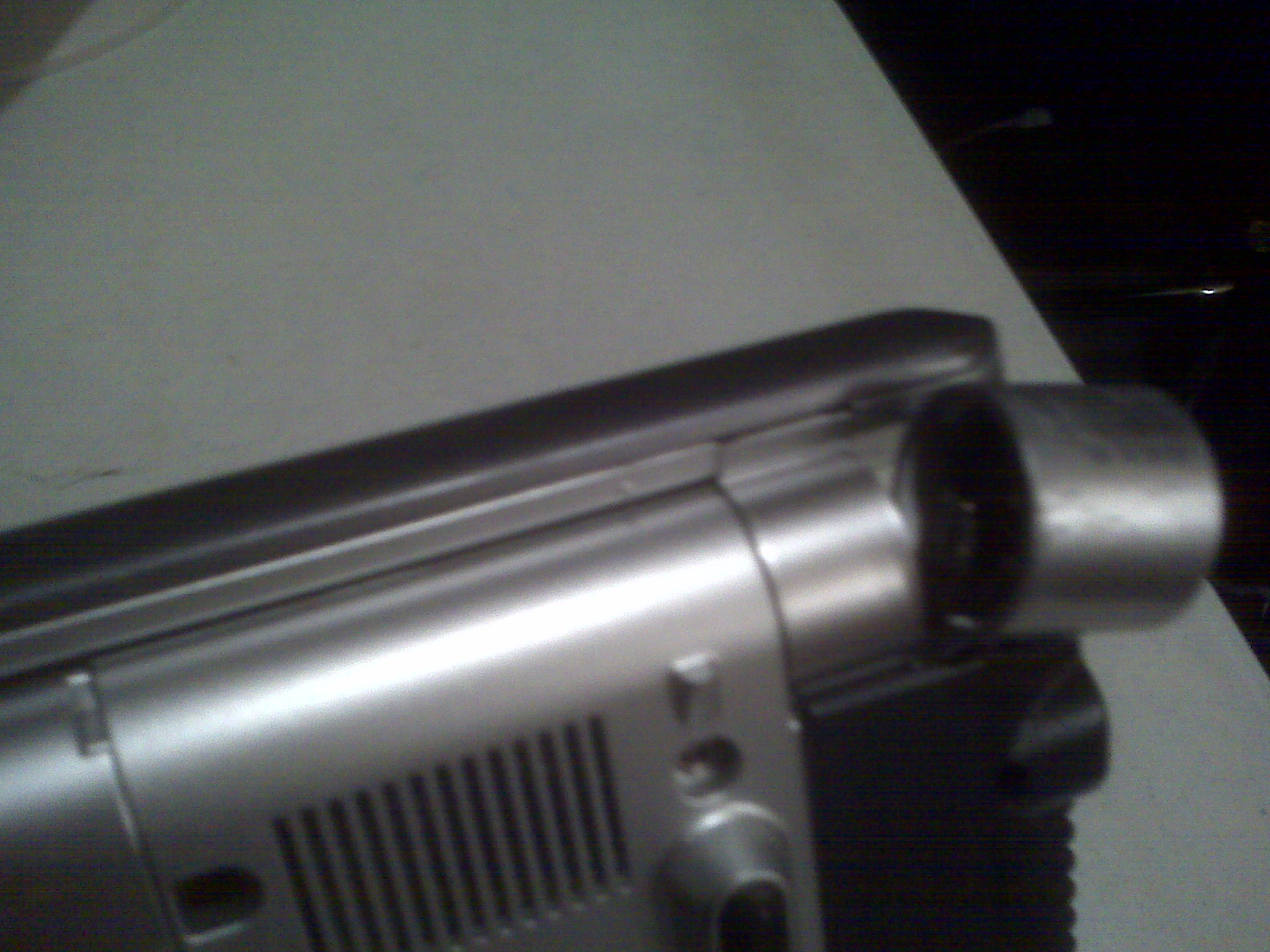
Power Jack is dangling off the side hinge
Laptop #3: Power cord broke off inside power jack and no plastic sidewall to hold the power jack in place.
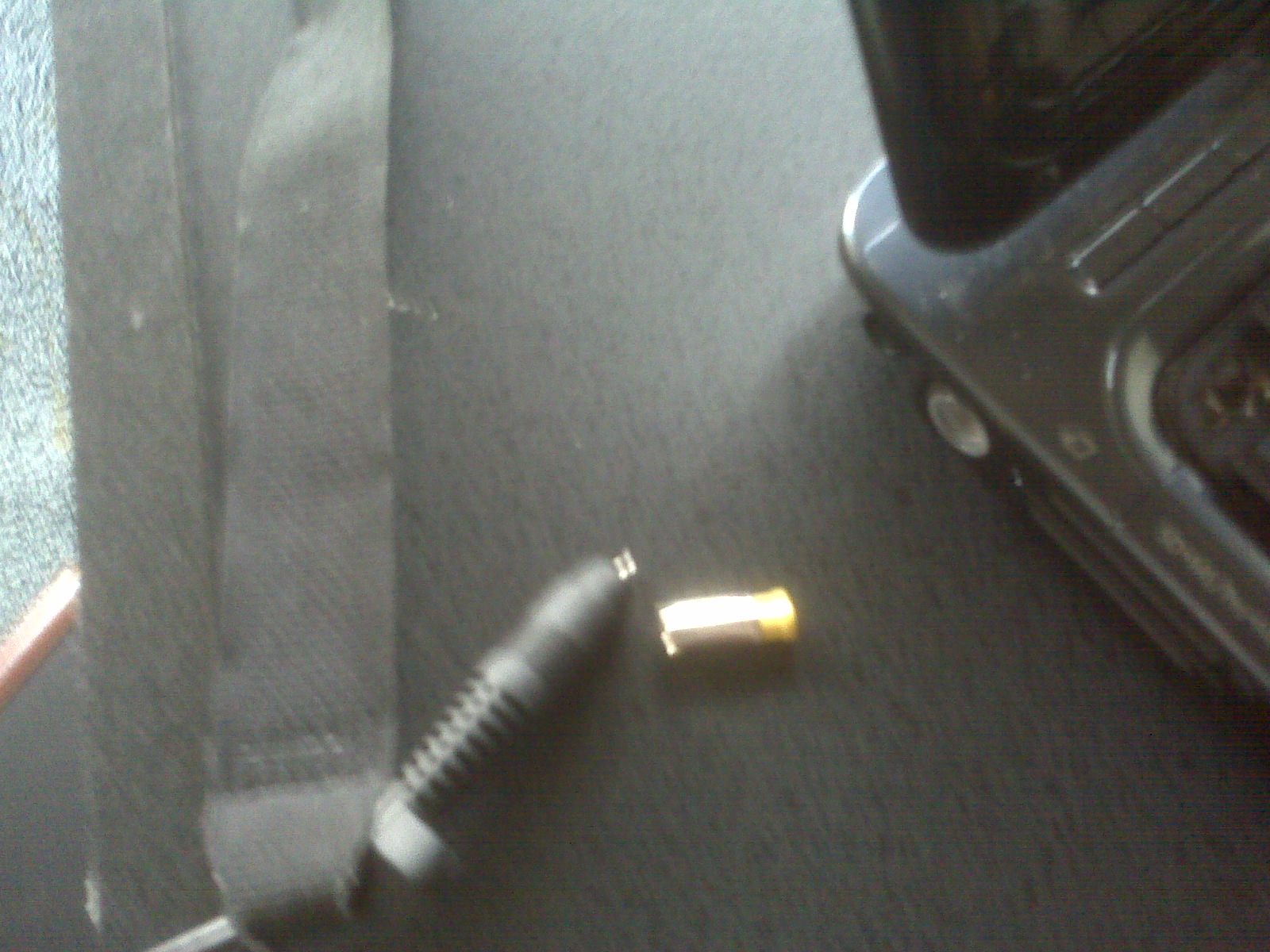
Power cord broke off inside power jack
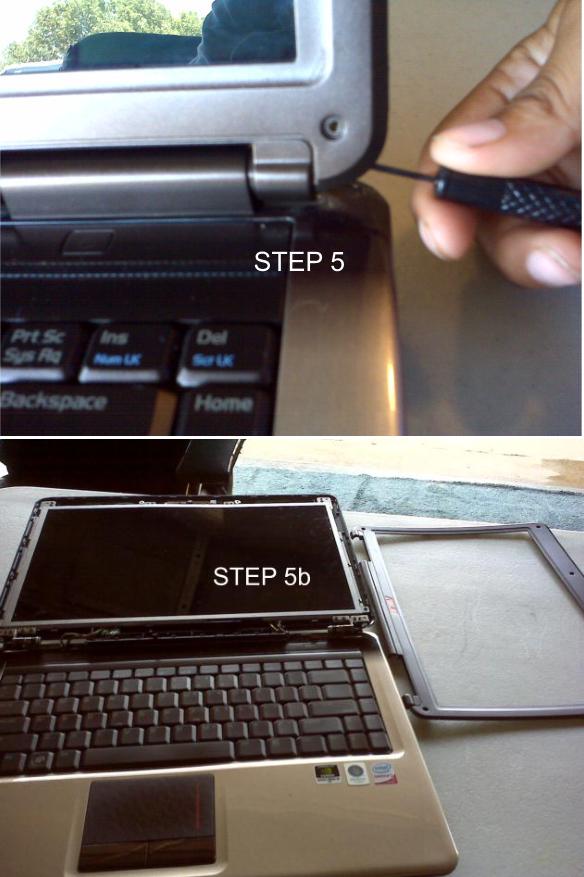
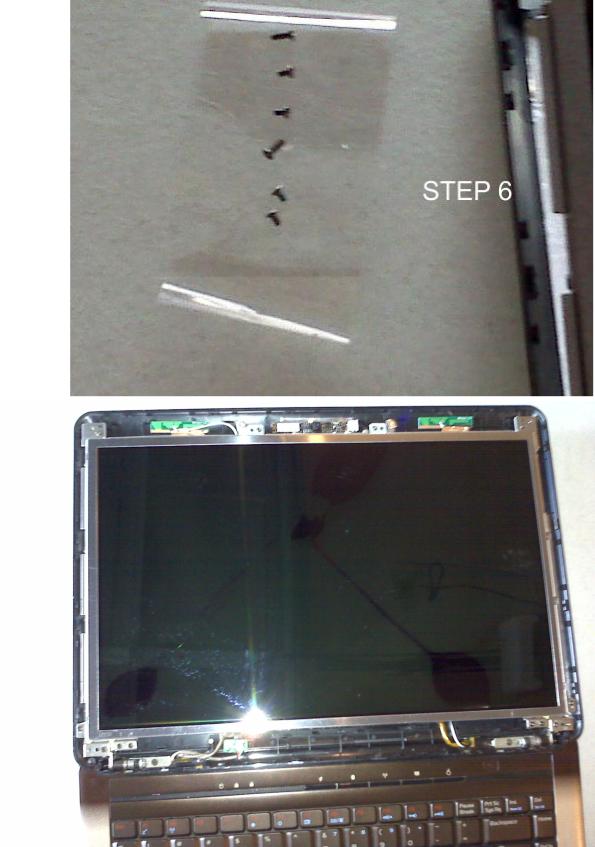
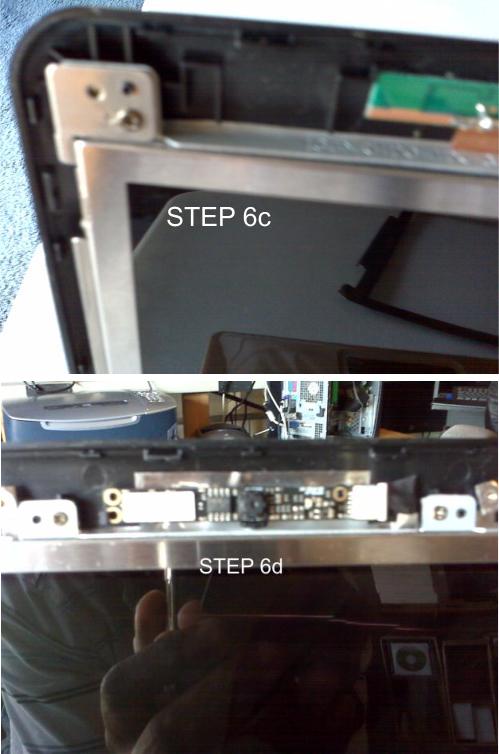
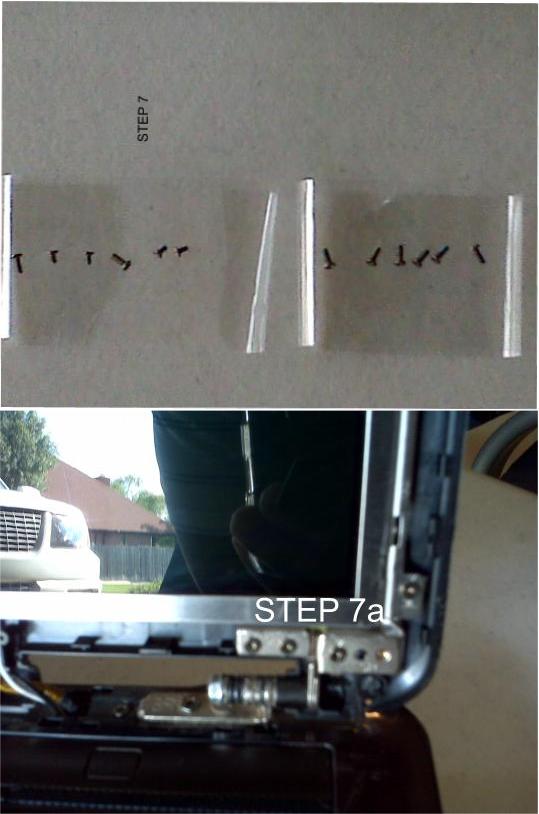
As I stated earlier, remember the first tool? Well, this is a good time to pull out that first tool. In order to complete these task the laptop has to be disassembled from the base to repair the damages.
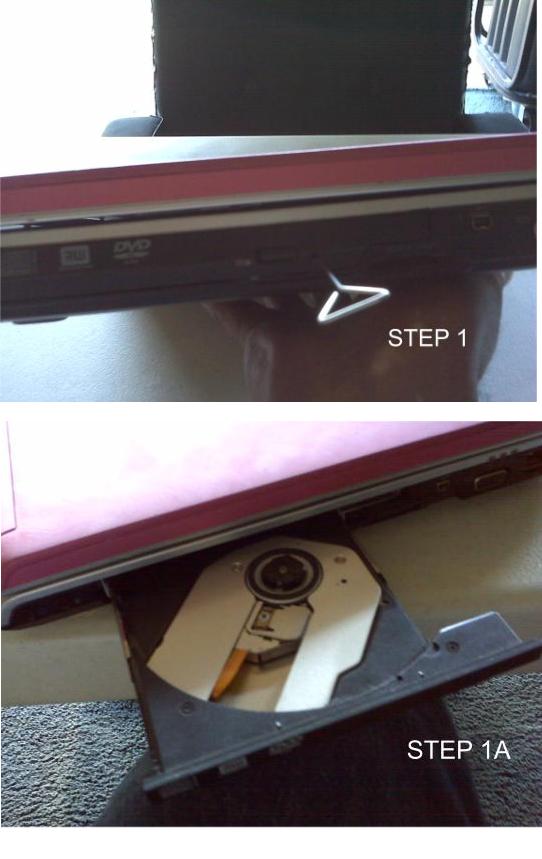
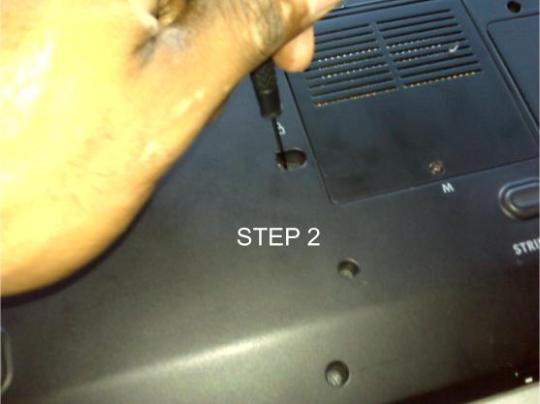
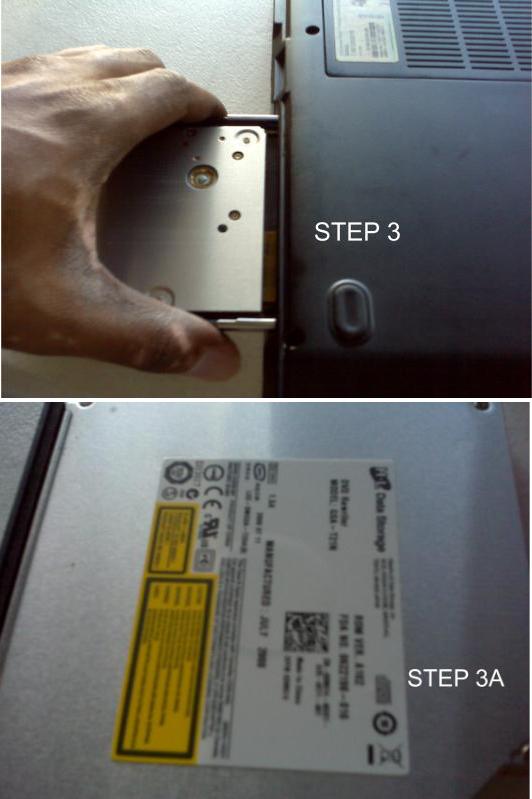
***Prepare the notebook for disassembly***
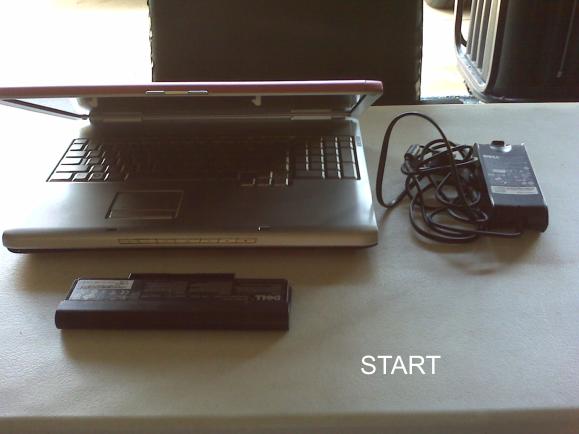
Remove power adapter cord and battery pack from your notebook to ensure no power source is connected.
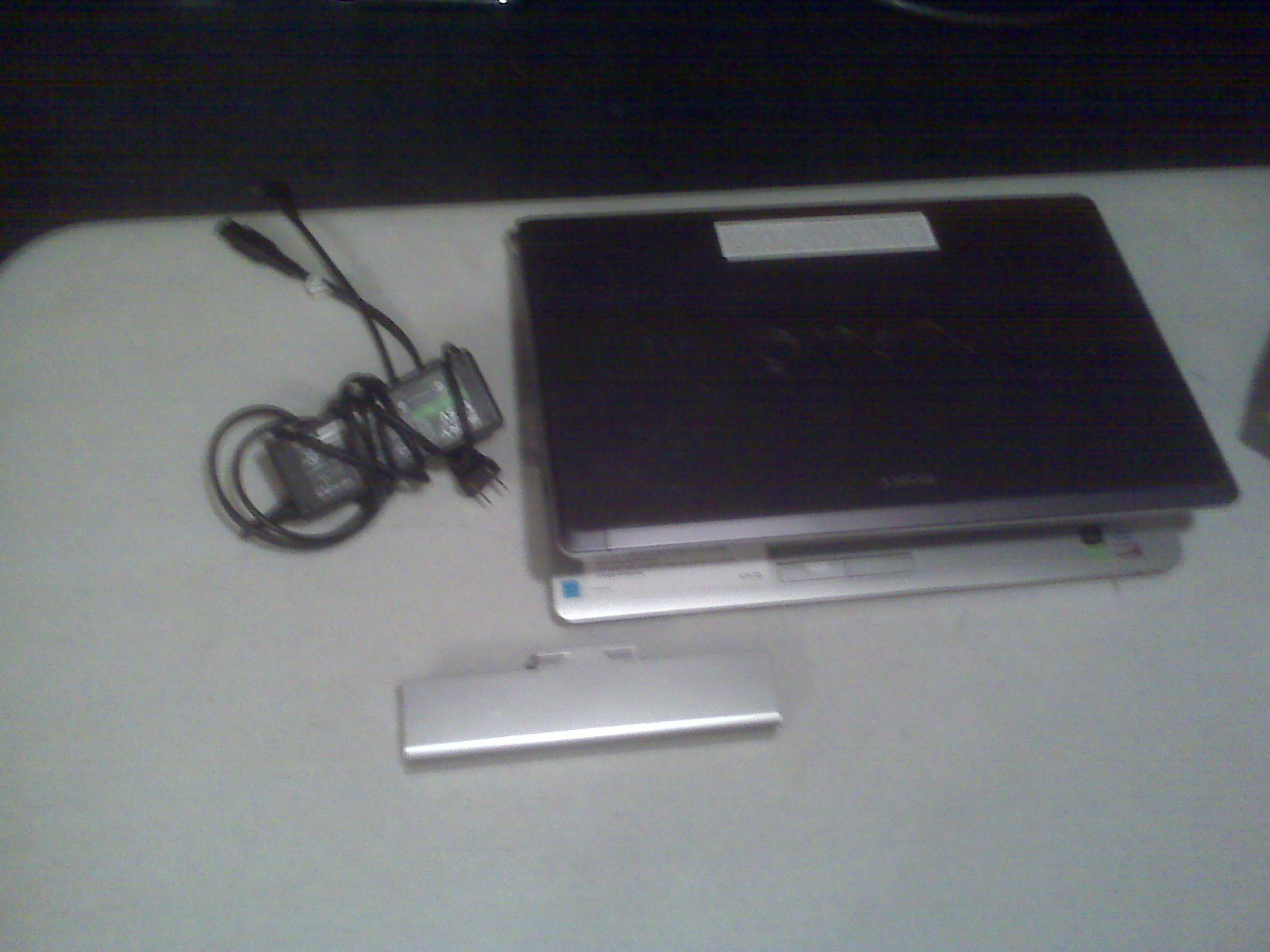
Prepare the notebook for disassembly
My objective does not include showing you how to disassemble a laptop (You can read my other entries on how to do that). My purpose is to stabilize the power jack in order to use the power cord. Remember the power jack connection is not severed, but there is no plastic sidewall to hold the power jack in place.
Solution: The power cord on laptop #3 was destroyed; therefore, I had no choice in replacing the power cord with a universal power cord with a convertible DC tip.
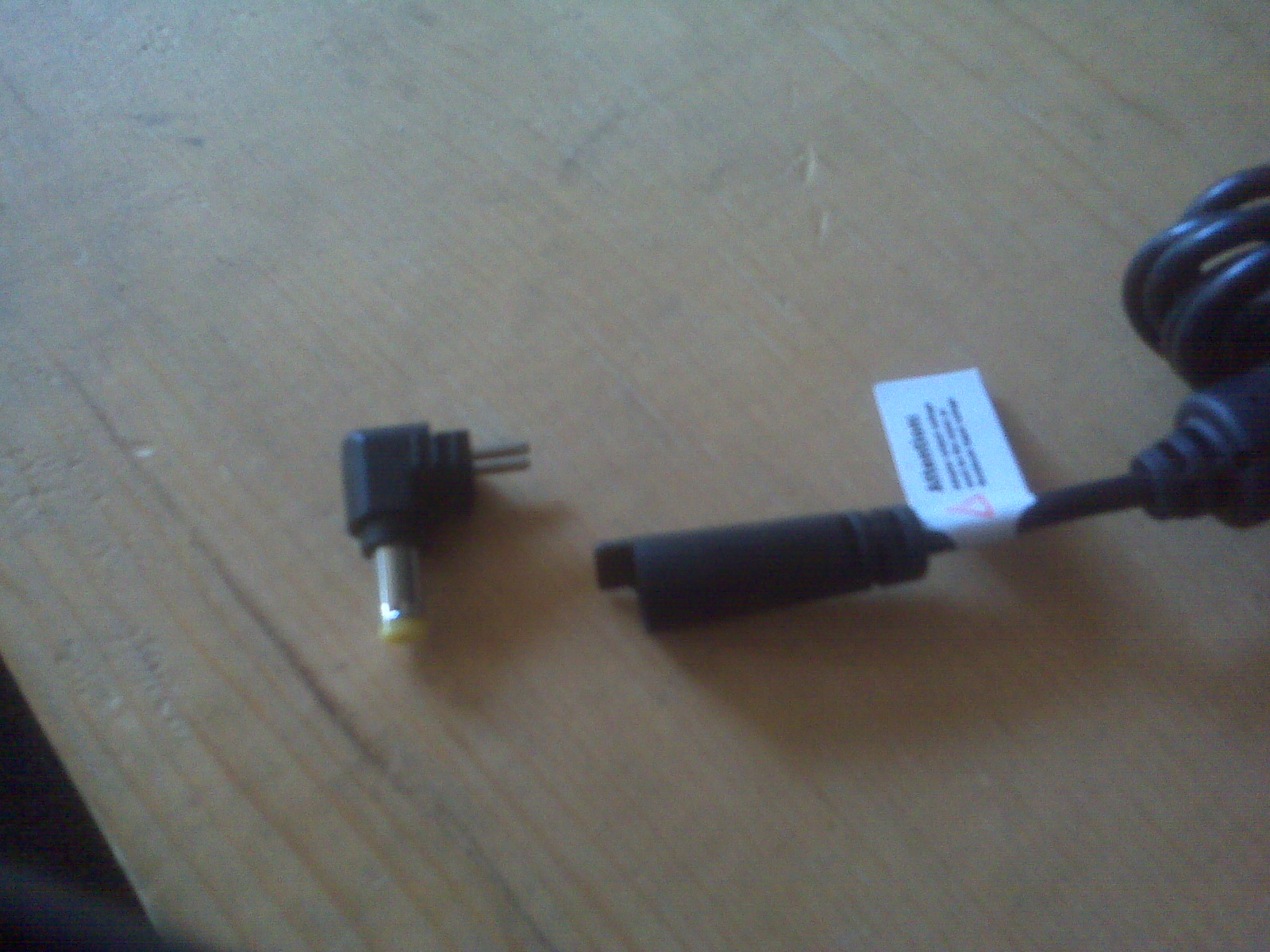
DC tip
I used the putty to hold the DC tip in place, which, in turn, provided a new sidewall for the power jack and DC Tip. I used the putty on Notebook #1 inside the base cover, it looks normal so I did not bother taking a picture of it.
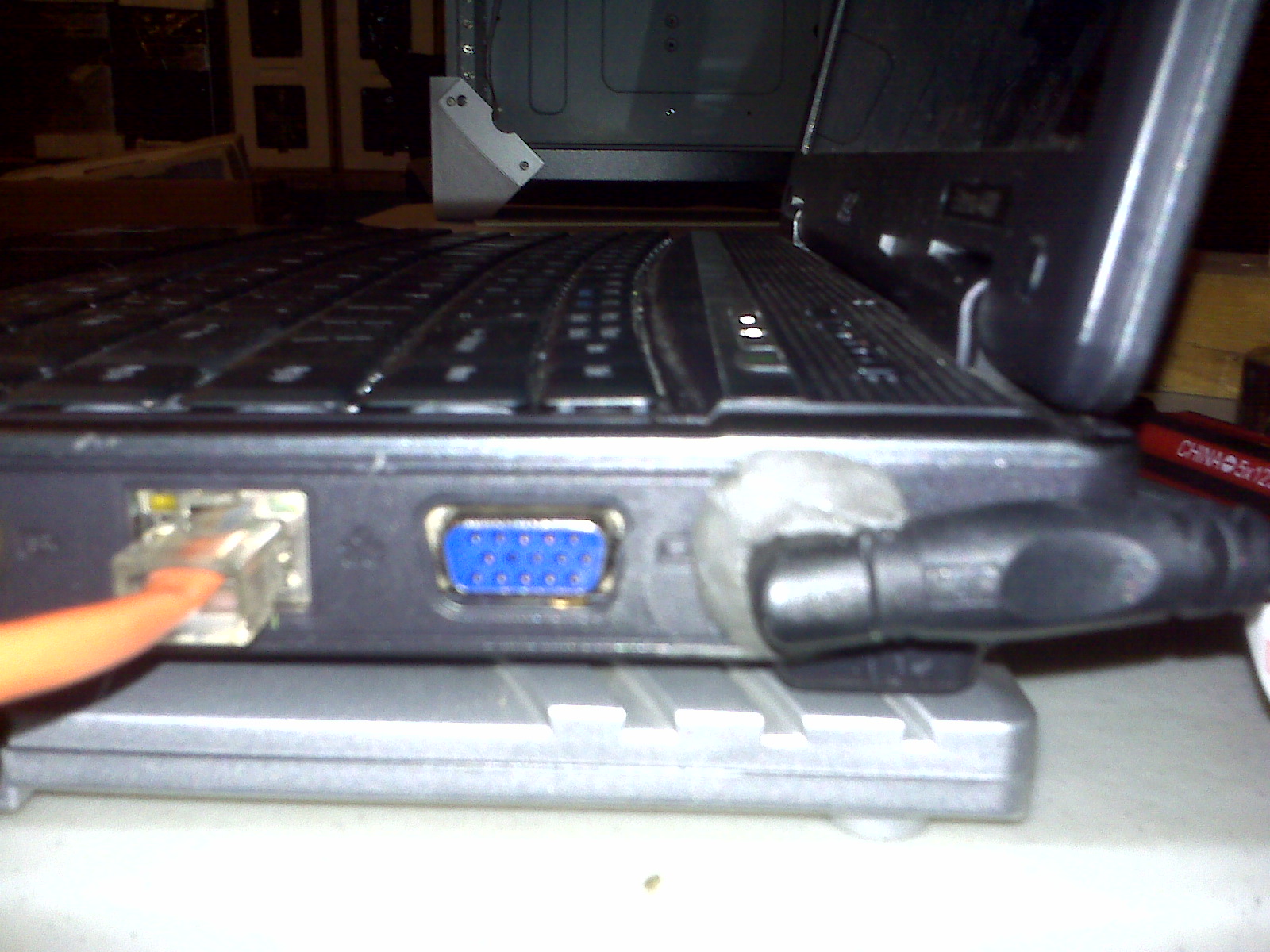
Latop #3 with putty holding DC tip and Power Jack
Solution for Laptop #2: It looks worst than it actually is. I placed putty on both sides of the power jack hinges to hold the power jack in place. It works very well and the laptop cover is able to open and close.
ALL TASKS ARE COMPLETE.
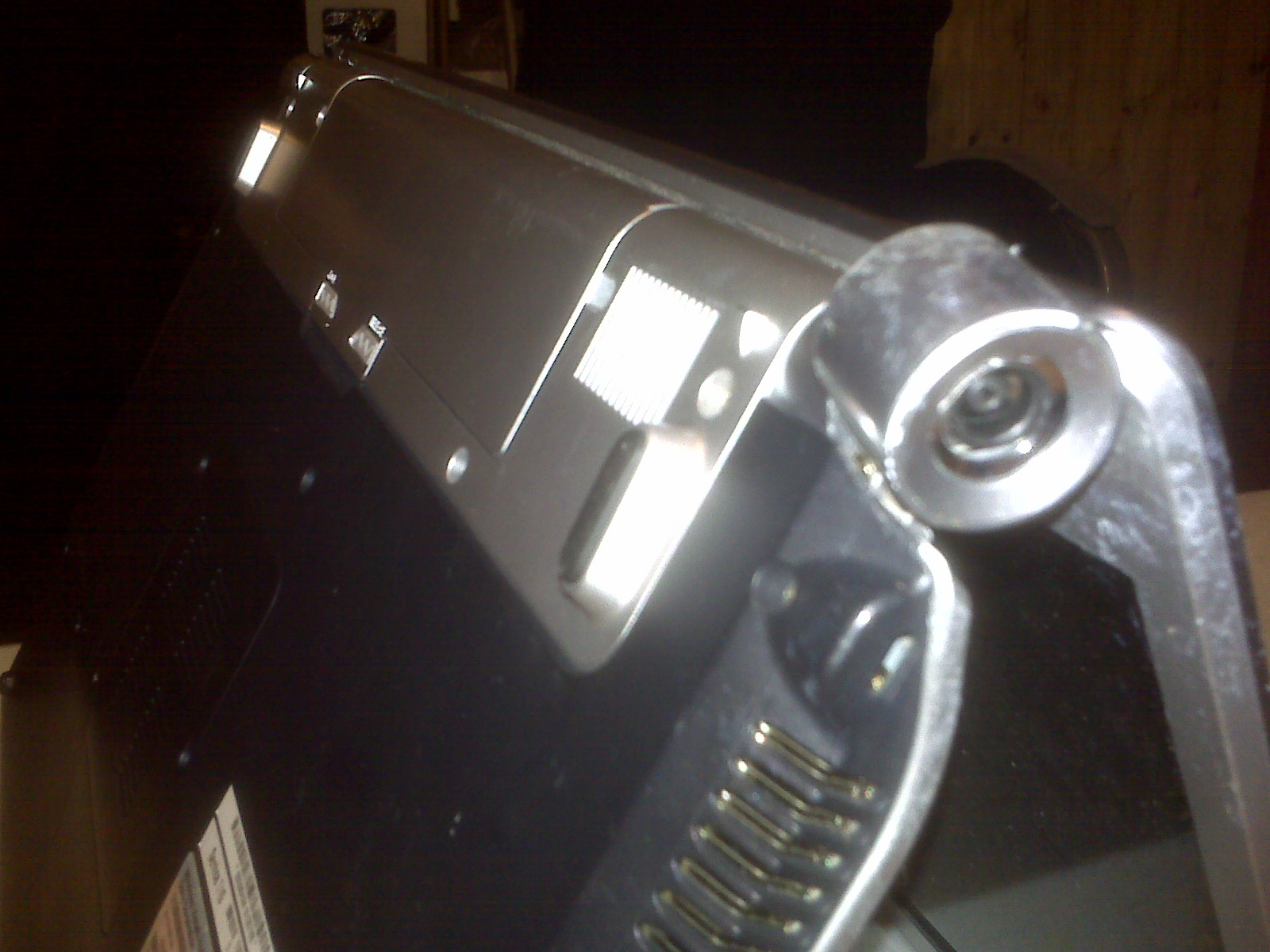
Laptop #2 Side View of Power Connection "Before Picture"
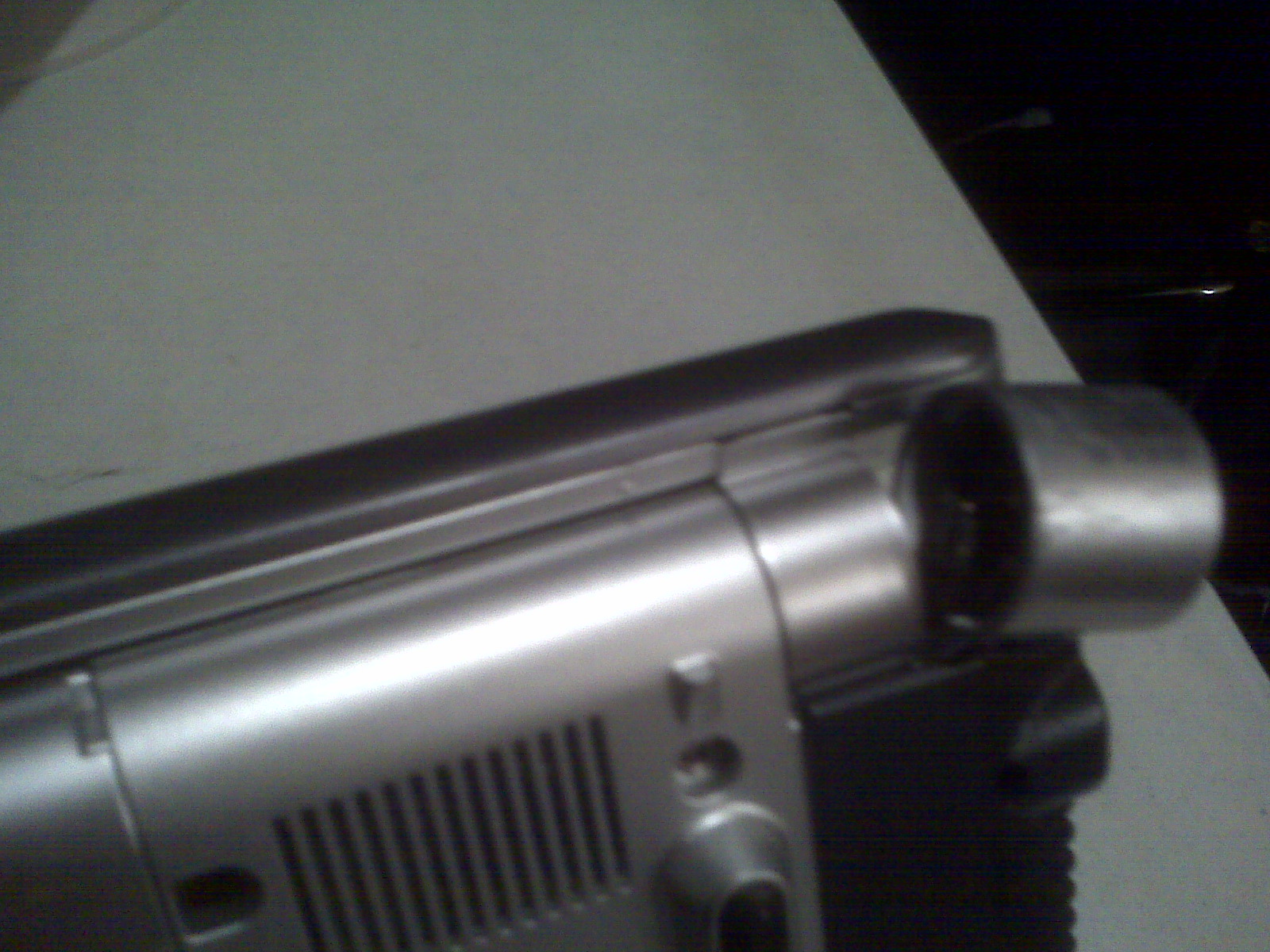
Laptop #2 Back View of Power Connection "Before Picture"
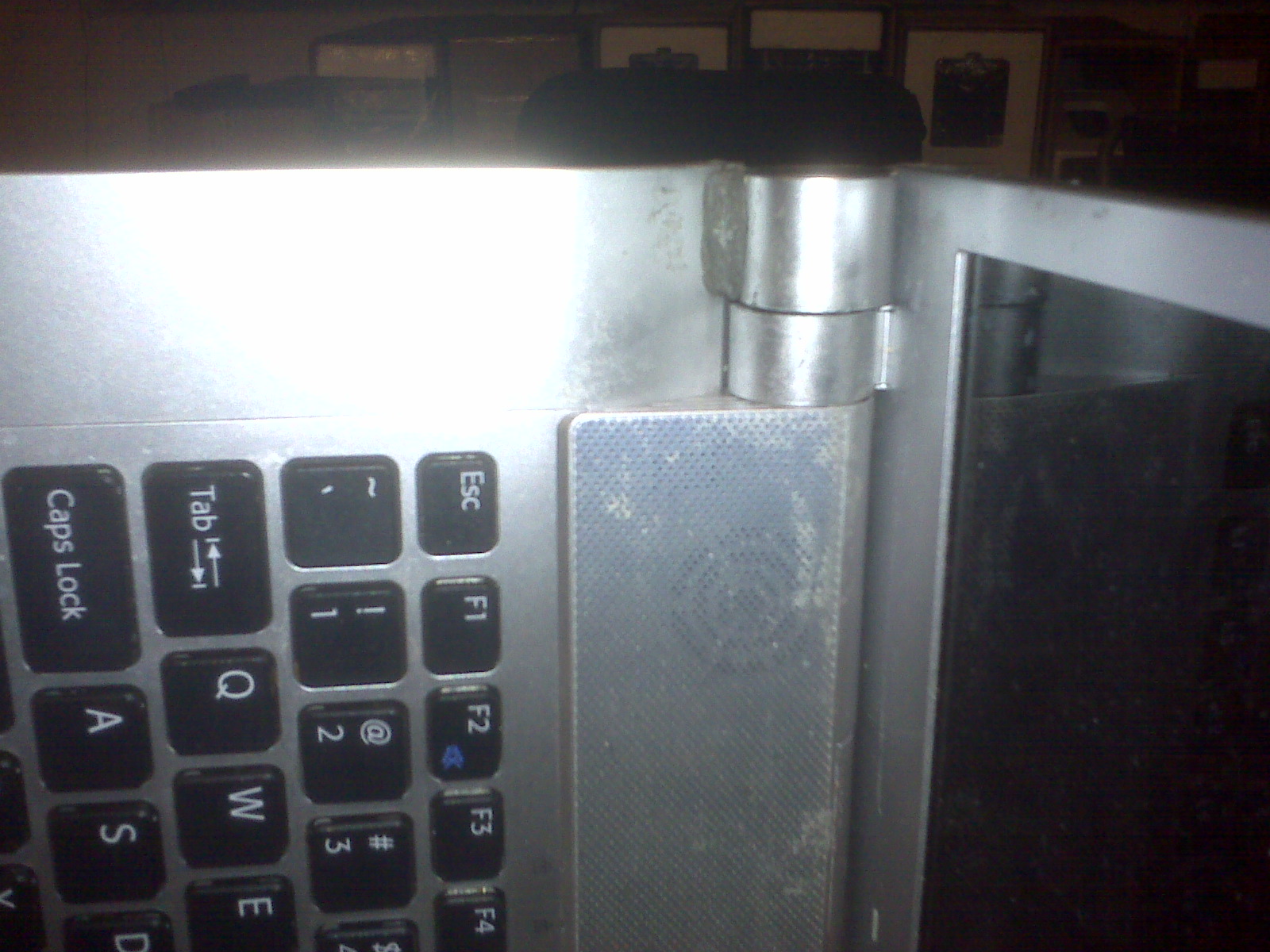
Laptop #2 Top View of Power Connection "After Picture"
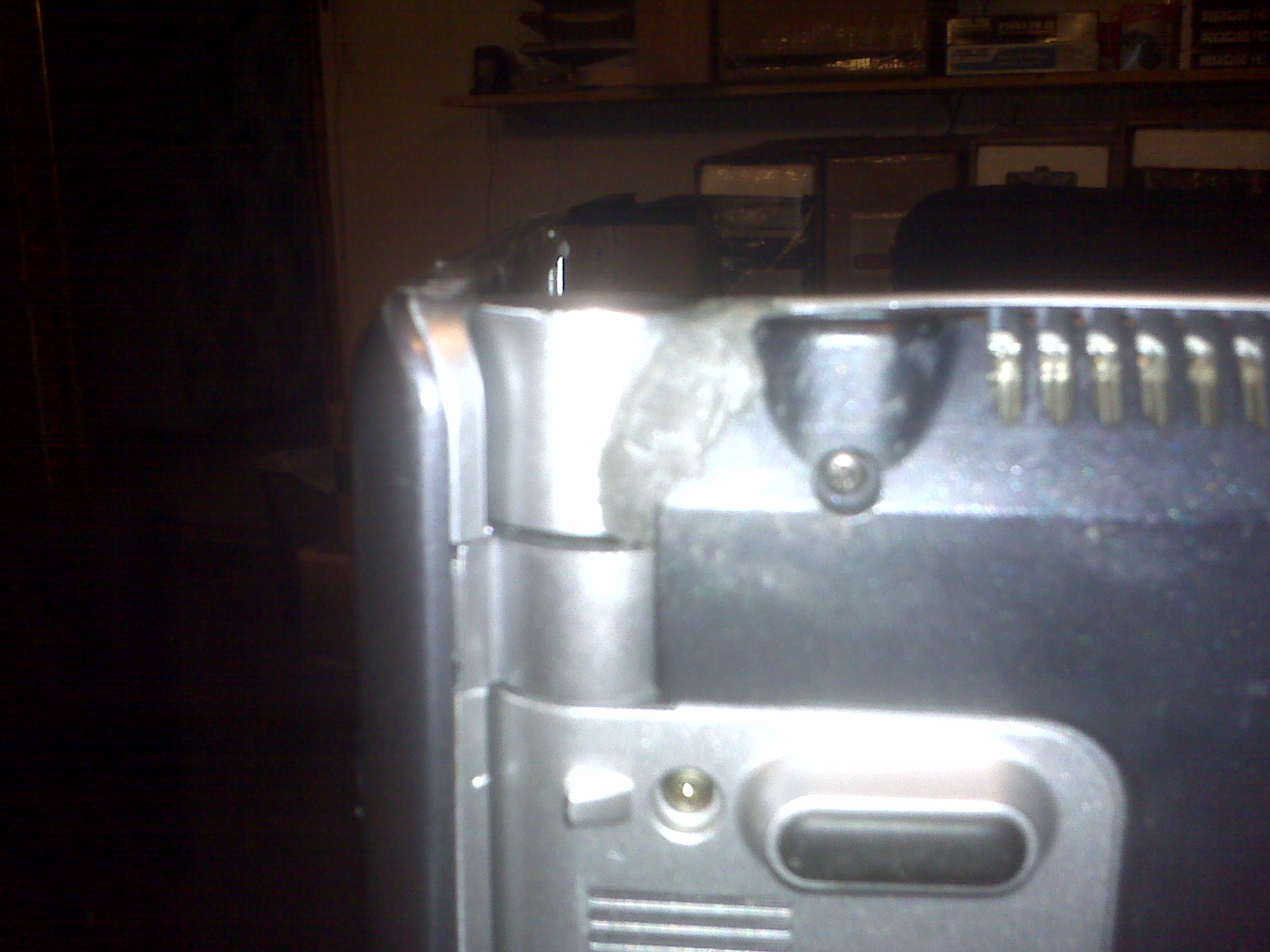
Laptop #2 Bottom View of Power Connection "After Picture"
DISCLAIMER
All information on site is for those interested in the common Notebook. This is not a solid answer to all needs and construction of your Notebook. We will not accept any responsibility for your Notebook nor damage that you do to it. This site is used as a guide in all your endeavors but not written in stone. Should you feel that your problem is above your current skills please get professional help.
Thank You!
Webmaster@BuildUrOwnPC.com
AKA: Master Mega Hertz